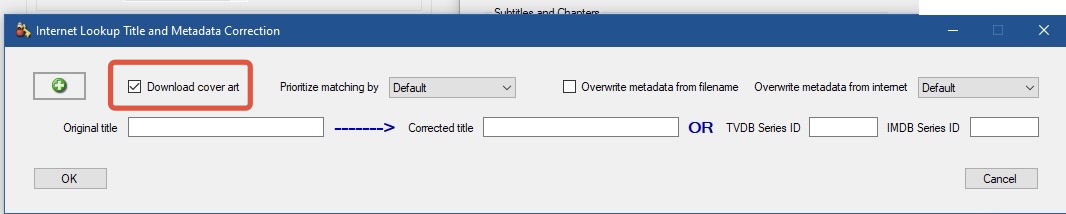
When I run my video files (from PlayOn) thru MCEBuddy2x and remove commercials, the finished file does not have a video thumbnail. It has a picture of a poster for the series, not the original thumbnail on the original video file. Is there a way to have the original video thumbnail?
The thumbnail gets updated when it downloads the poster for the Internet metadata
If you don’t want a the thumbnail poster embedded, in the Conversion Task → Expert Options → Metadata correction, turn off the option to Download cover art.
Without any thumbnail embedded it should switch to your default windows behavior.
Also keep in mind that MCEBuddy caches cover art which has been downloaded (or extracted from the original file) and saves it in C:\Program Files\MCEBuddy\cache
You will need to delete the cover art files from there also for the show/movie in question (or replace them with your own custom ones).