Got it and I see what’s happening. After trimming the file when ffmpeg creates the new trimmed file the tracks are reordered so when cutting commercials it picks the wrong track for isolation (you’ve asked it to isolate the eng track).
Will look into it and thanks for reporting it, I’m moving this to bugs. Meanwhile try removing the audio selection and just leave the default let encoder pick best audio track and that should solve the issue.
Ok thanks for taking a look and all the help. Next time I will be more efficient in getting you the information. I have it set up to work but if you can improve the software that would be awesome. Thanks again.
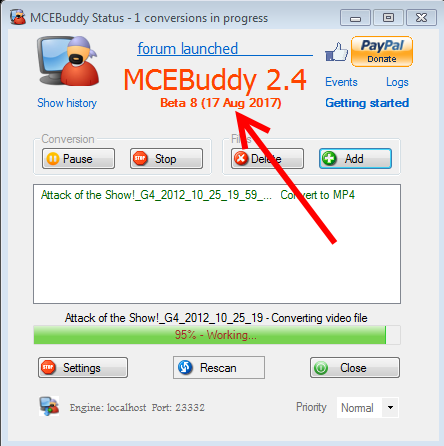
well i think i did it correct. when i went to download the new file i selected the 64 bit but the date is also old for some reason. maybe this one did not get updated for some reason. here is a screenshot of where i downloaded from. www.mcebuddy2x.com - _MCEBuddy_EARLY_ACCESS_2.4.pdf (88.2 KB)
well i just refreshed it and now it is updated. will try again